Video Creation Tools and Workflows
Compare edit-first and prompt-first video workflows by starting material, output and practical fit.
CapCut Plan
2 guides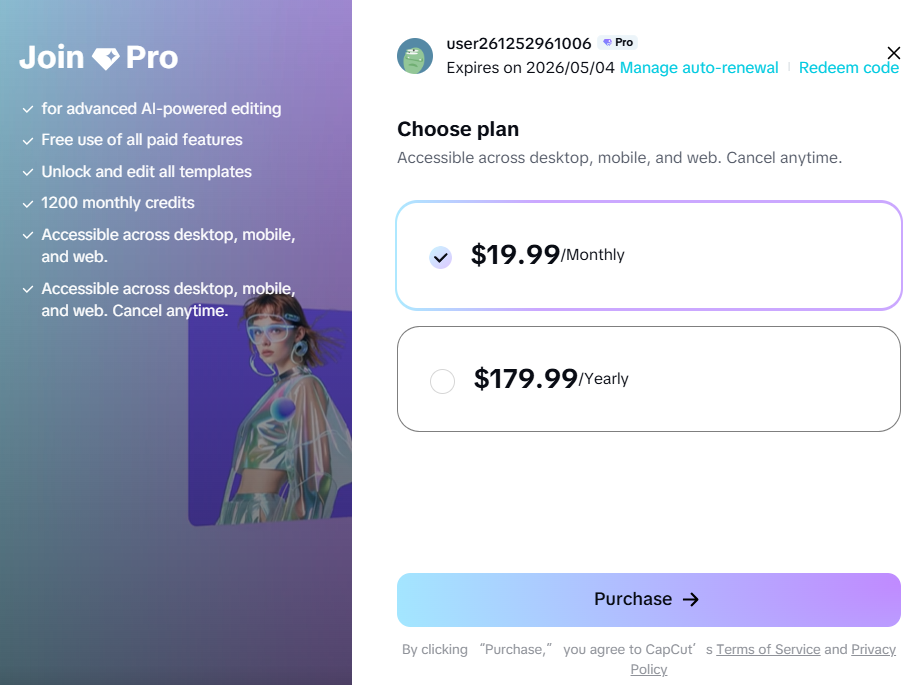
CapCut Pro
Pro is the individual upgrade path for creators who need broader AI access, premium assets, cross-platform editing and more capable production workflows.
Open guide →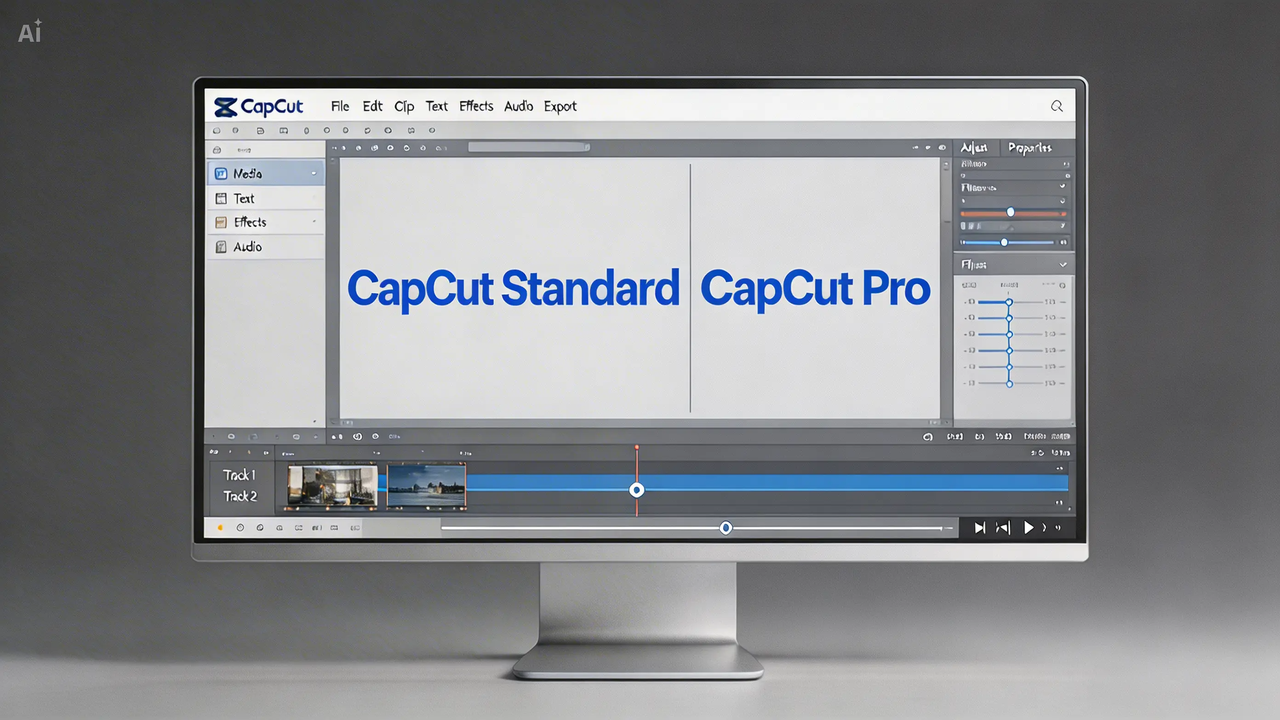
CapCut Standard vs Pro
Compare the intended use, premium assets, cross-platform access, AI tools, storage and collaboration before opening checkout.
Open guide →CapCut Platform
4 guides
CapCut Desktop
Use CapCut Desktop when a project needs layered tracks, precise timing, keyframes, color work and AI tools in one workspace.
Open guide →
CapCut for Pad
CapCut for Pad brings multi-track editing, keyframes and AI-assisted tools to iPad and supported Android tablets.
Open guide →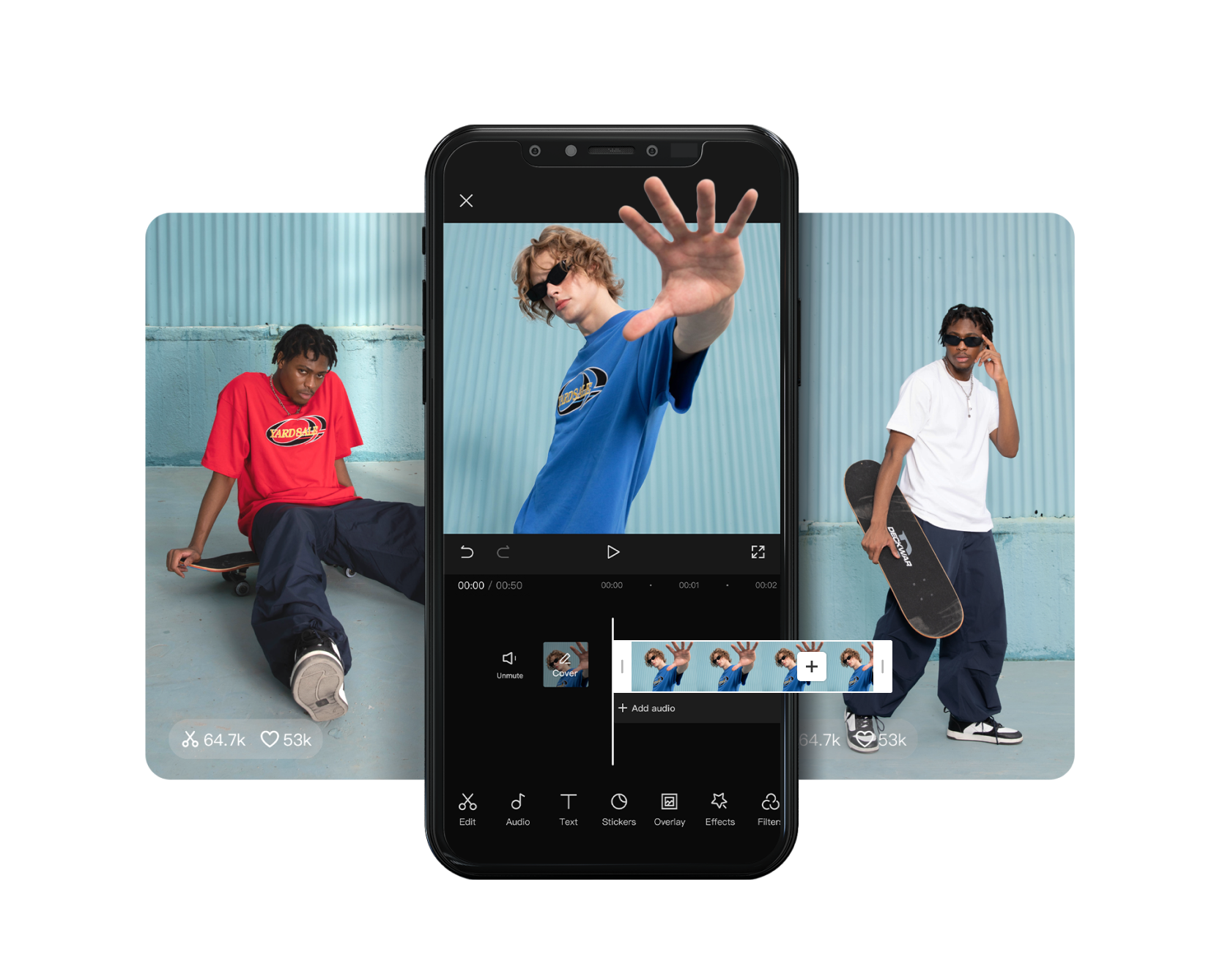
CapCut Mobile
Use CapCut Mobile for fast vertical edits, templates, effects and creator workflows that begin and end on iOS or Android.
Open guide →
CapCut Online
CapCut Online is the fast entry point for uploads, templates, captions, background tools and social-ready exports from a web workspace.
Open guide →CapCut Tool
14 guides
CapCut AI Avatar Generator
CapCut combines avatar selection, script or audio input, voice choices, lip sync and editing for presenter-led videos without a traditional shoot.
Open guide →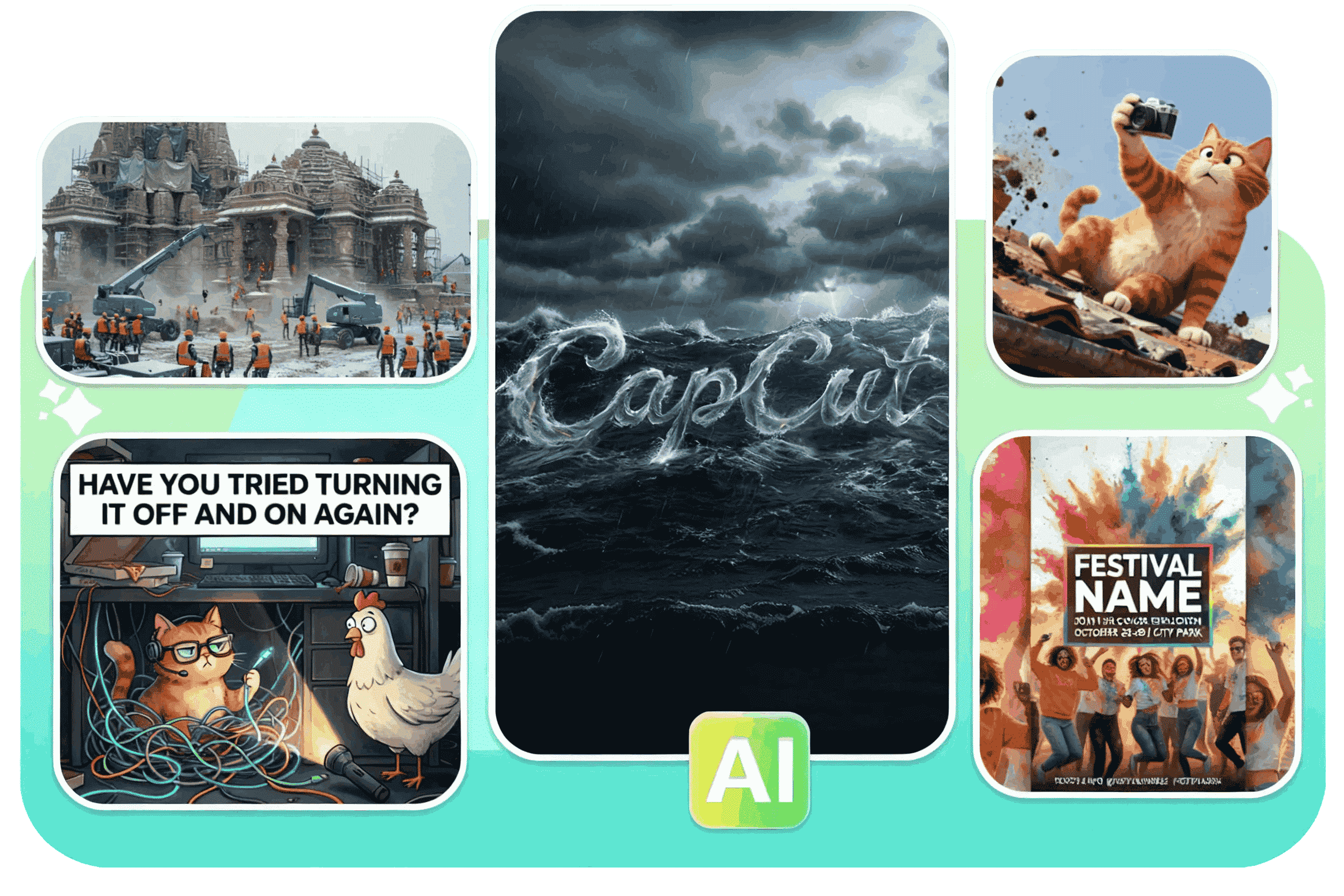
CapCut AI Design
CapCut AI Design combines prompts, layouts, cutouts, background tools and editable design elements for posters, ads and branded social graphics.
Open guide →
CapCut AI Image Generator
CapCut supports text-to-image and image-guided generation, then keeps the result inside an editor for cropping, enhancement, background work and animation.
Open guide →
CapCut AI Image Upscaler
CapCut's AI image upscaler sharpens edges, reduces visible noise and prepares photos, illustrations or product images for larger layouts.
Open guide →
CapCut AI Video Editor
CapCut's AI editor brings generation, captions, cleanup, reframing and enhancement into a workflow that still leaves the final timing and judgment to the editor.
Open guide →
CapCut AI Video Generator
CapCut combines text-to-video, image animation, model choice and editing tools so a generated clip can move directly into a finished timeline.
Open guide →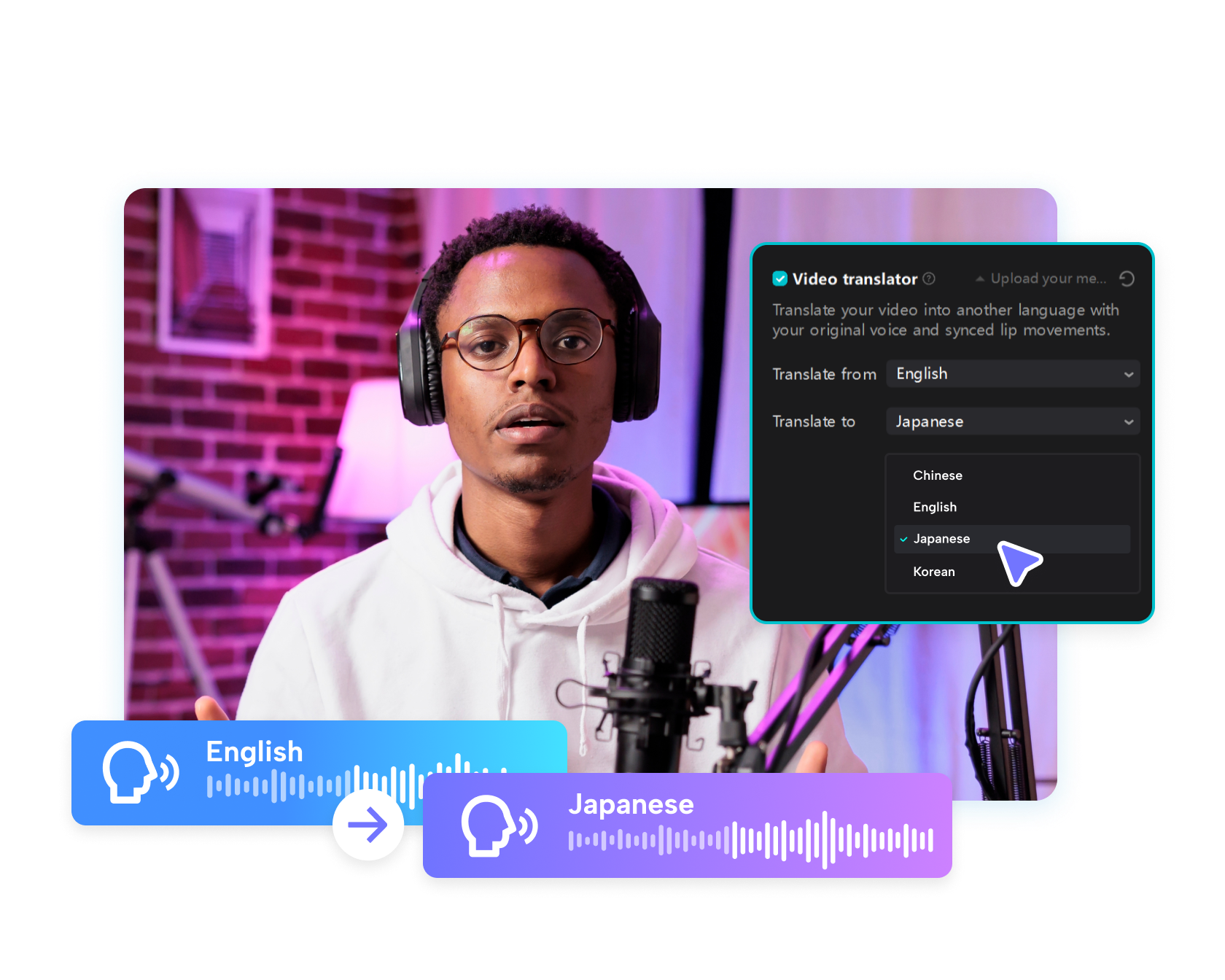
CapCut AI Video Translator
CapCut combines speech recognition, subtitle translation, dubbing and supported voice-preservation tools for multilingual video workflows.
Open guide →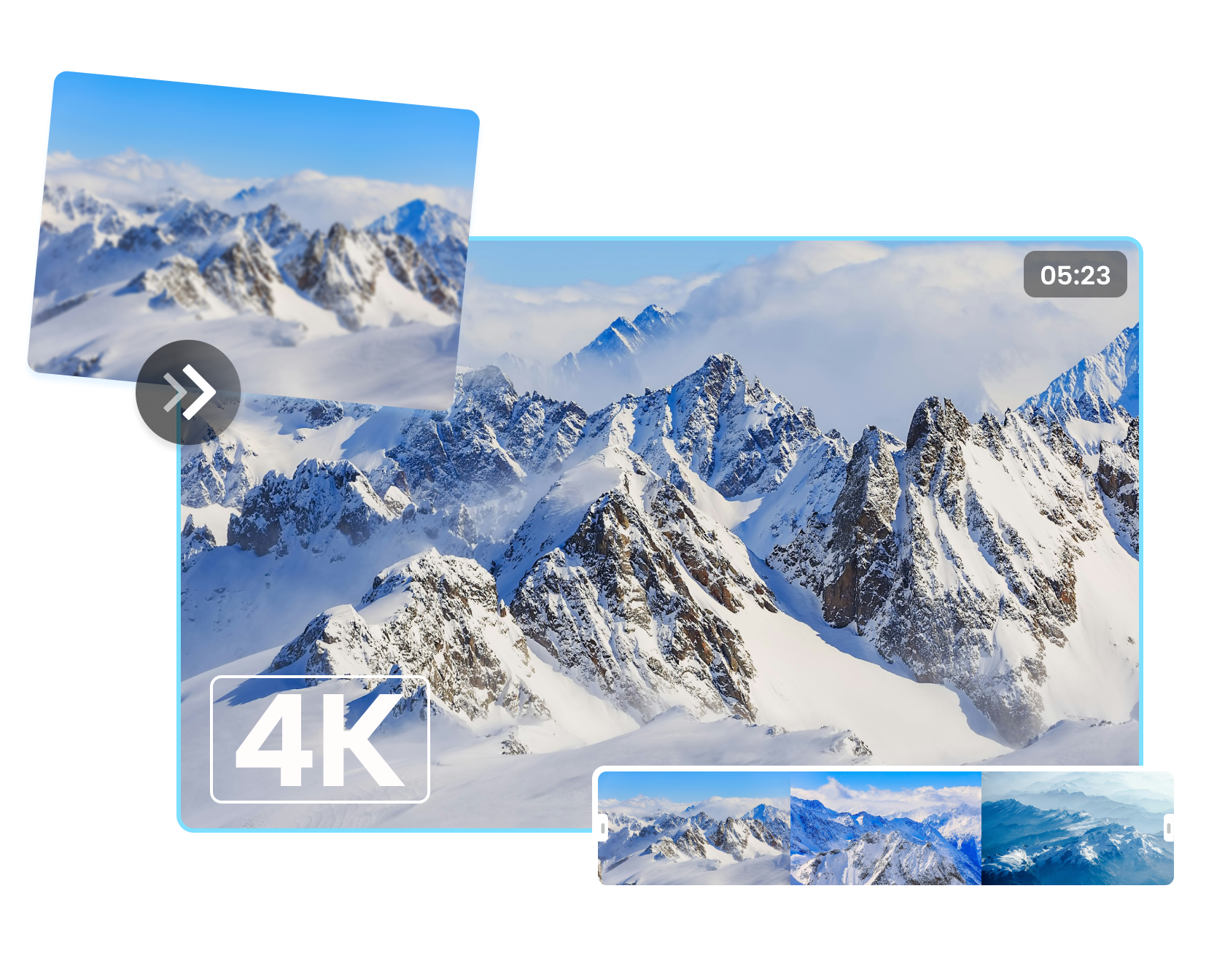
CapCut AI Video Upscaler
CapCut's AI video upscaler is designed to sharpen footage, reduce visible softness and prepare older or compressed clips for higher-resolution delivery.
Open guide →
CapCut AI Voice Generator
Choose a voice, language and delivery style, then place the generated narration directly into a CapCut timeline with captions and visuals.
Open guide →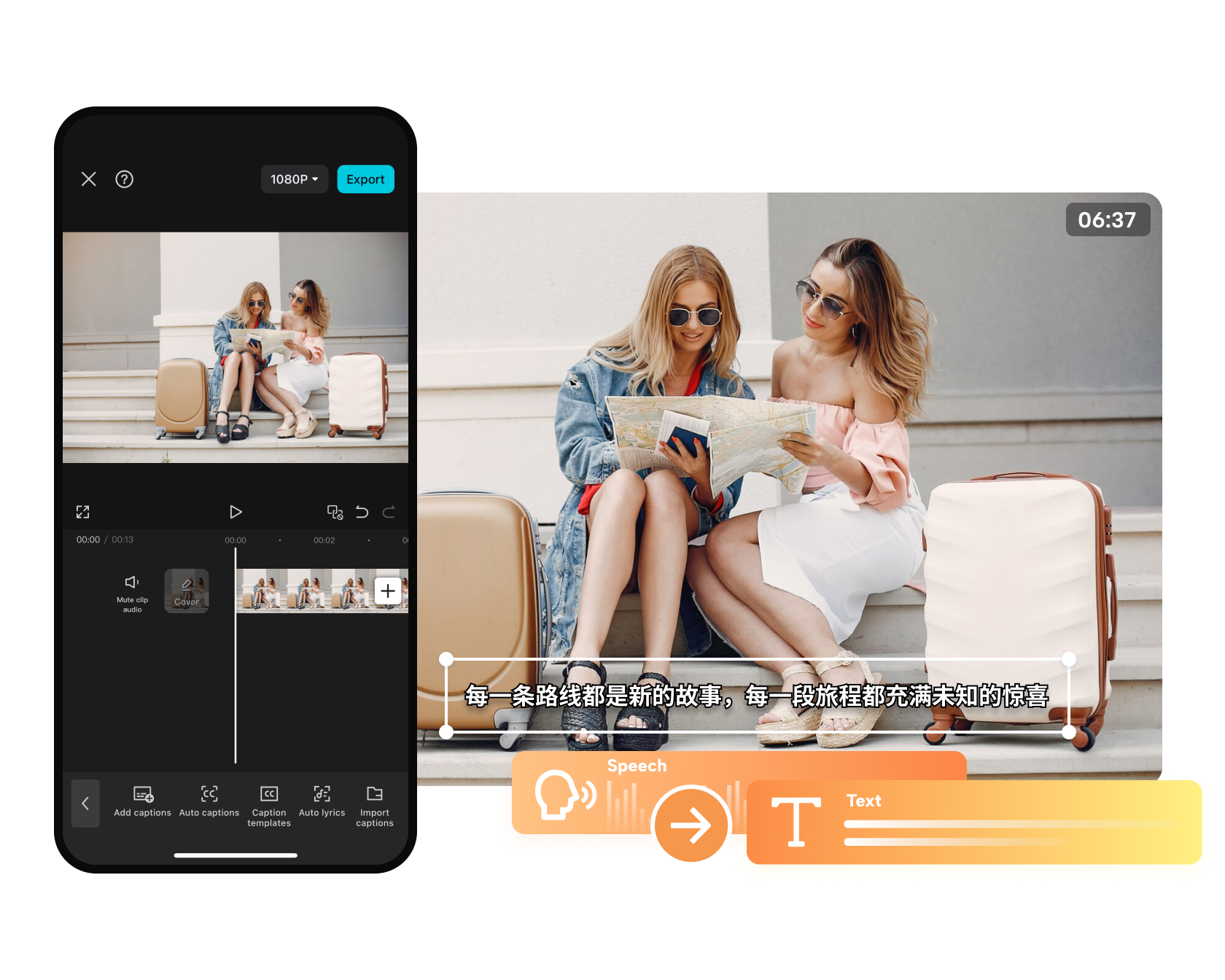
CapCut Auto Captions
Generate subtitles, correct the words and timing, then style them for Shorts, Reels, tutorials, interviews or longer videos.
Open guide →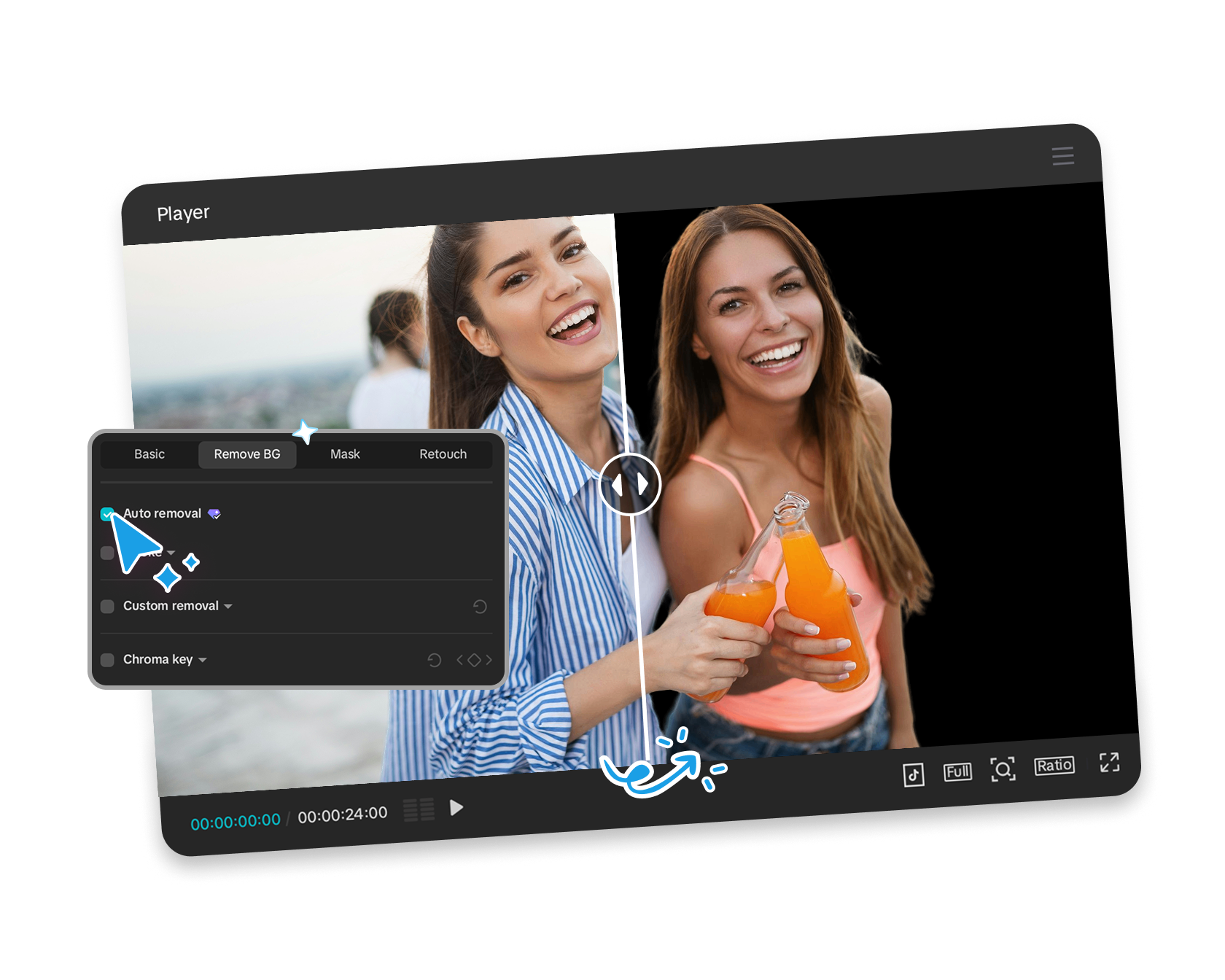
CapCut Background Remover
CapCut uses automatic subject recognition to isolate people, objects or products, then lets you replace the background with color, imagery or another scene.
Open guide →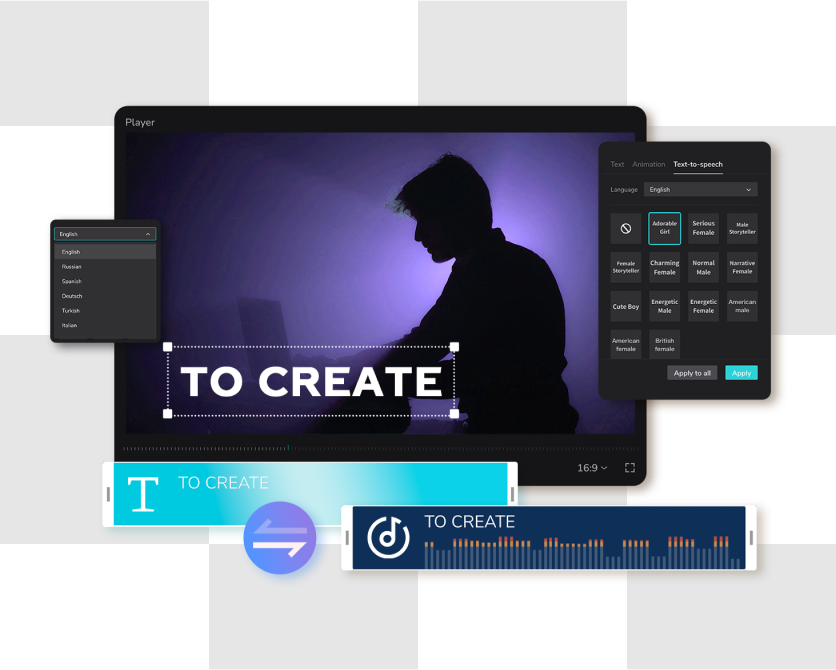
CapCut Long Video to Shorts
Use AI-assisted clipping to identify highlights, reframe the subject and prepare several vertical drafts from one longer recording.
Open guide →
CapCut Script to Video
CapCut's Script to Video workflow can help generate or accept a script, pair it with visuals, voiceover, subtitles and music, then open the result for editing.
Open guide →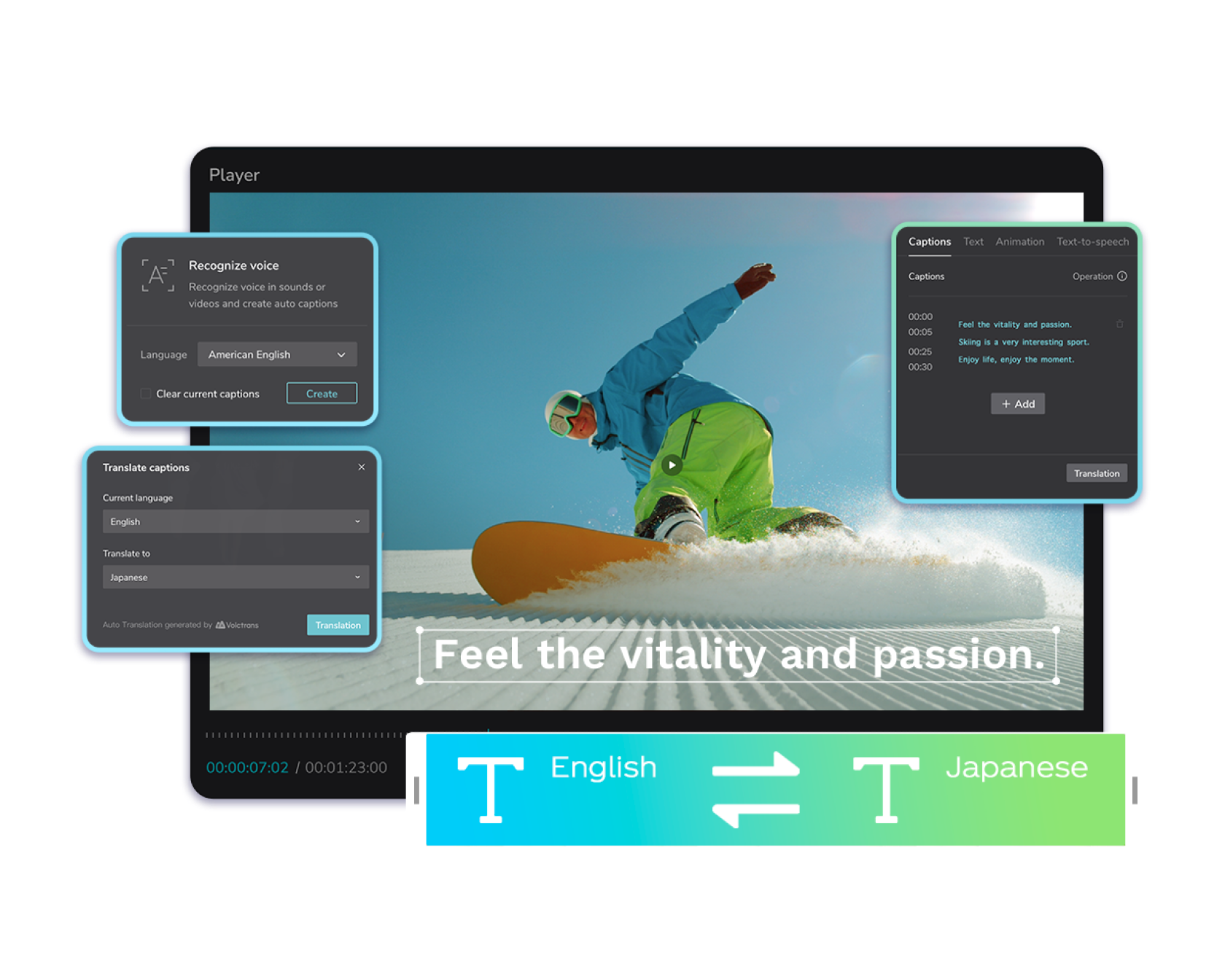
CapCut Transcribe Video to Text
CapCut transcription can create a text layer from speech, helping with subtitles, summaries, scripts and content repurposing.
Open guide →InVideo Audio
2 guides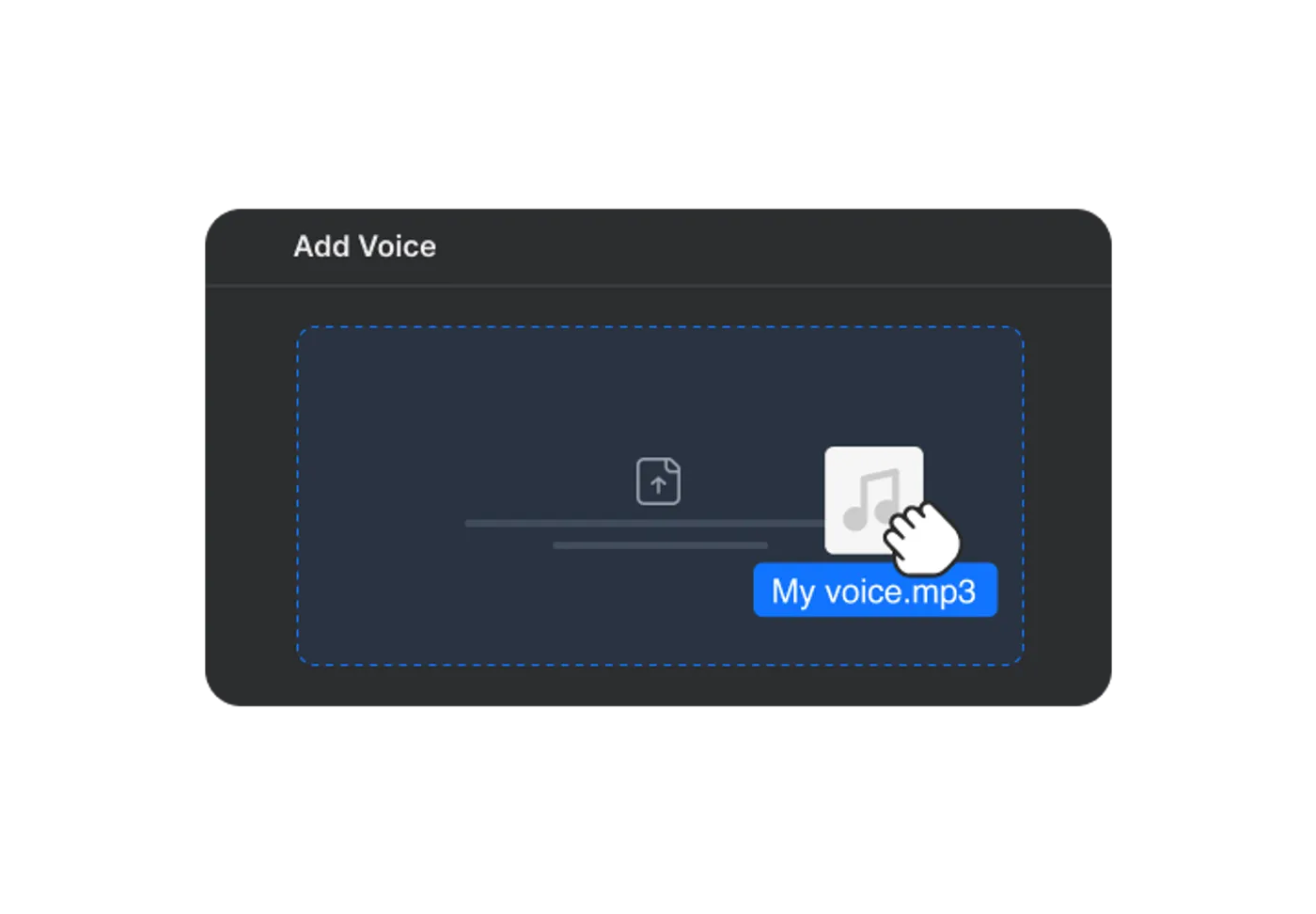
Invideo AI Voice Cloning
Record the required sample, create the clone, then test pronunciation and delivery before using it in published videos.
Open guide →
Invideo AI Voice Generator
Write for listening, select the language and voice direction, then review pronunciation, pacing and emotion against the visuals.
Open guide →InVideo Creator
2 guides
Invideo Faceless Video Generator
Start with the topic and audience, generate the script, visuals, voice and captions, then make the result distinctive through editing and evidence.
Open guide →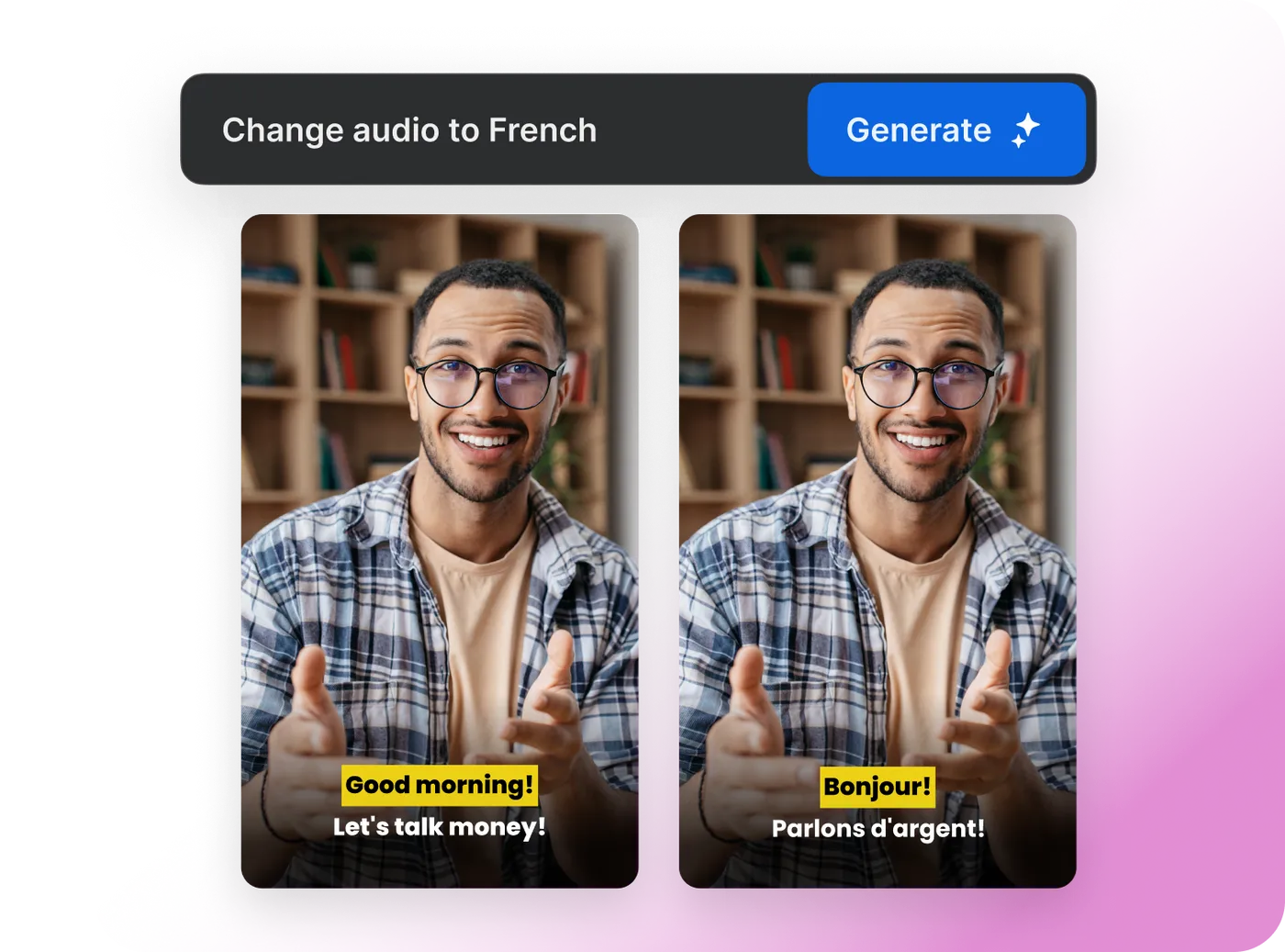
Invideo Video Translator
Create a localized version with translated narration and subtitles, then review meaning, timing and cultural fit before export.
Open guide →InVideo Editor
2 guides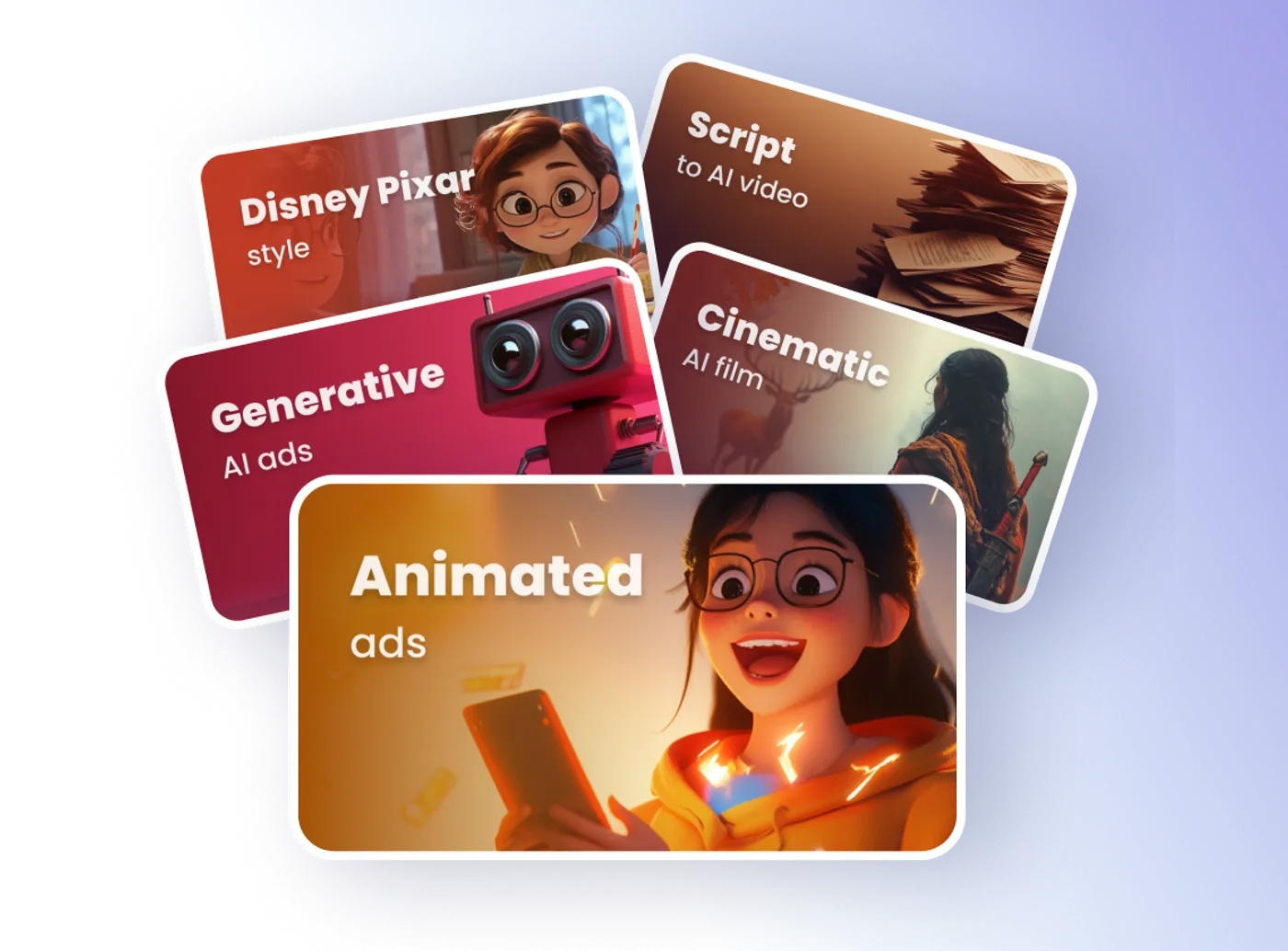
Invideo AI Video Editor
Use text instructions to adjust scenes, pacing, voiceover, subtitles and other elements without rebuilding the project from the beginning.
Open guide →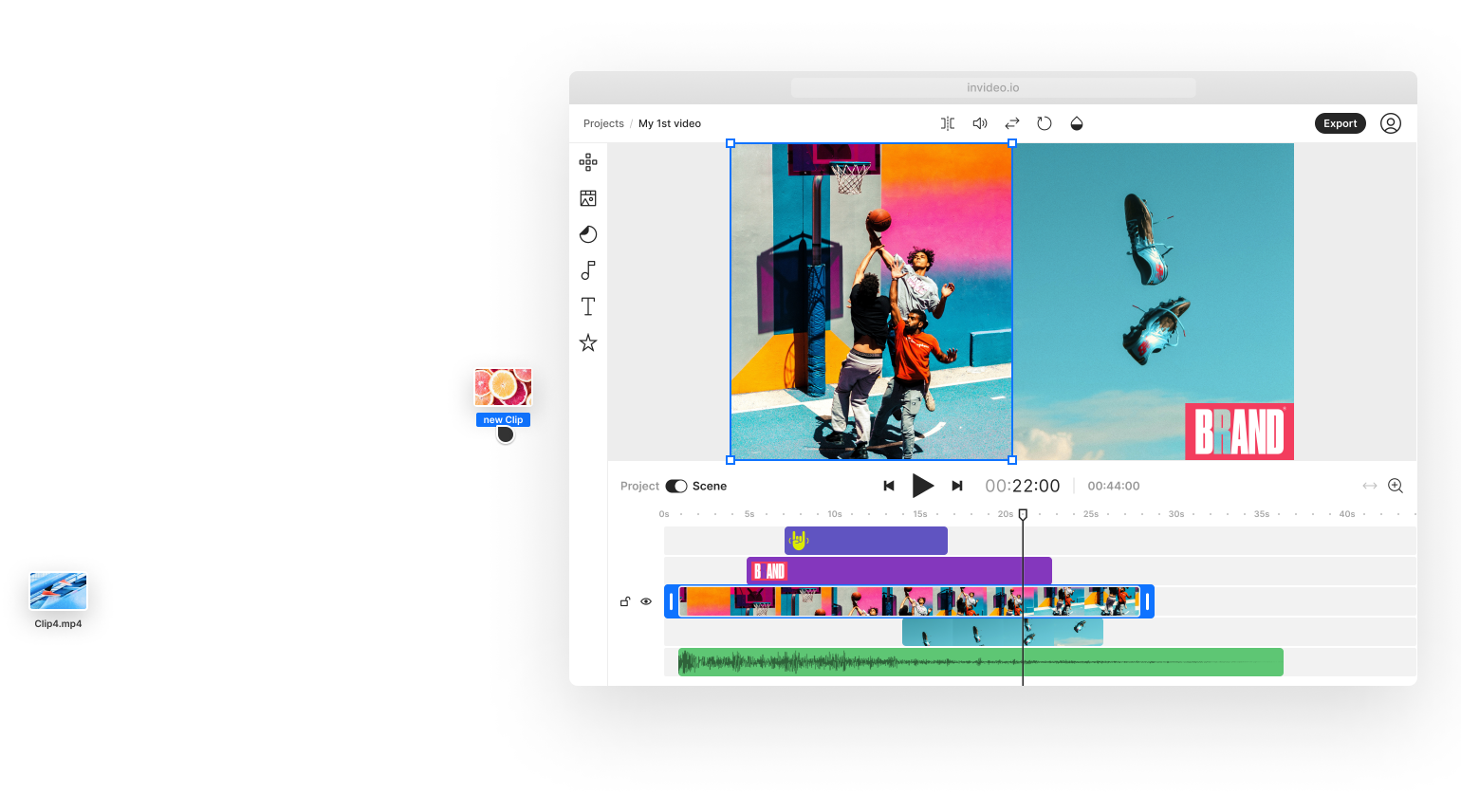
Invideo Online Video Editor
Use Invideo Studio when you need template-led, stock-supported or timeline-style editing rather than a fully prompt-generated first cut.
Open guide →InVideo Generator
4 guides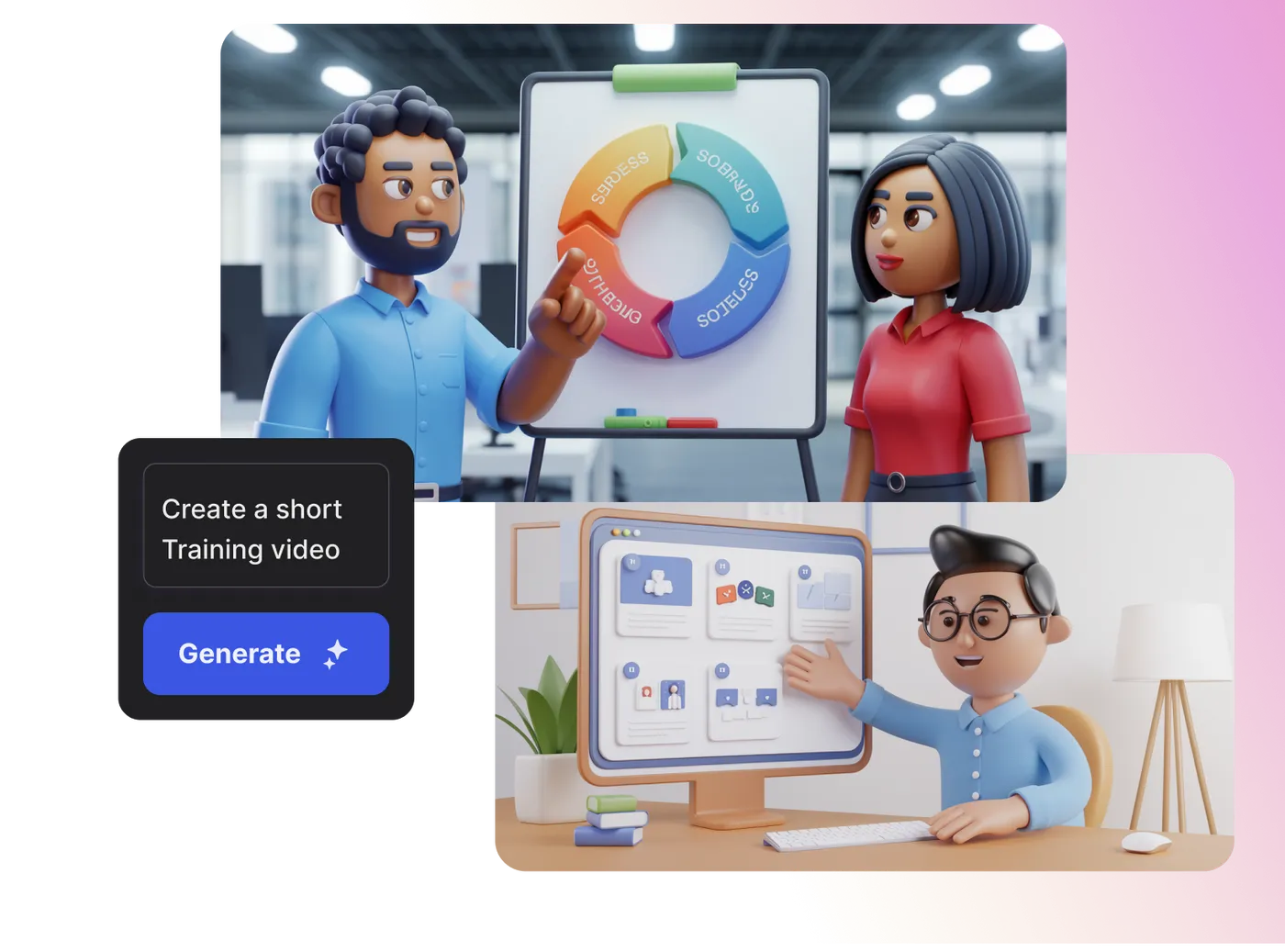
Invideo AI Animation Generator
Describe the characters, action, setting and visual language, then refine the generated animation into a coherent short video.
Open guide →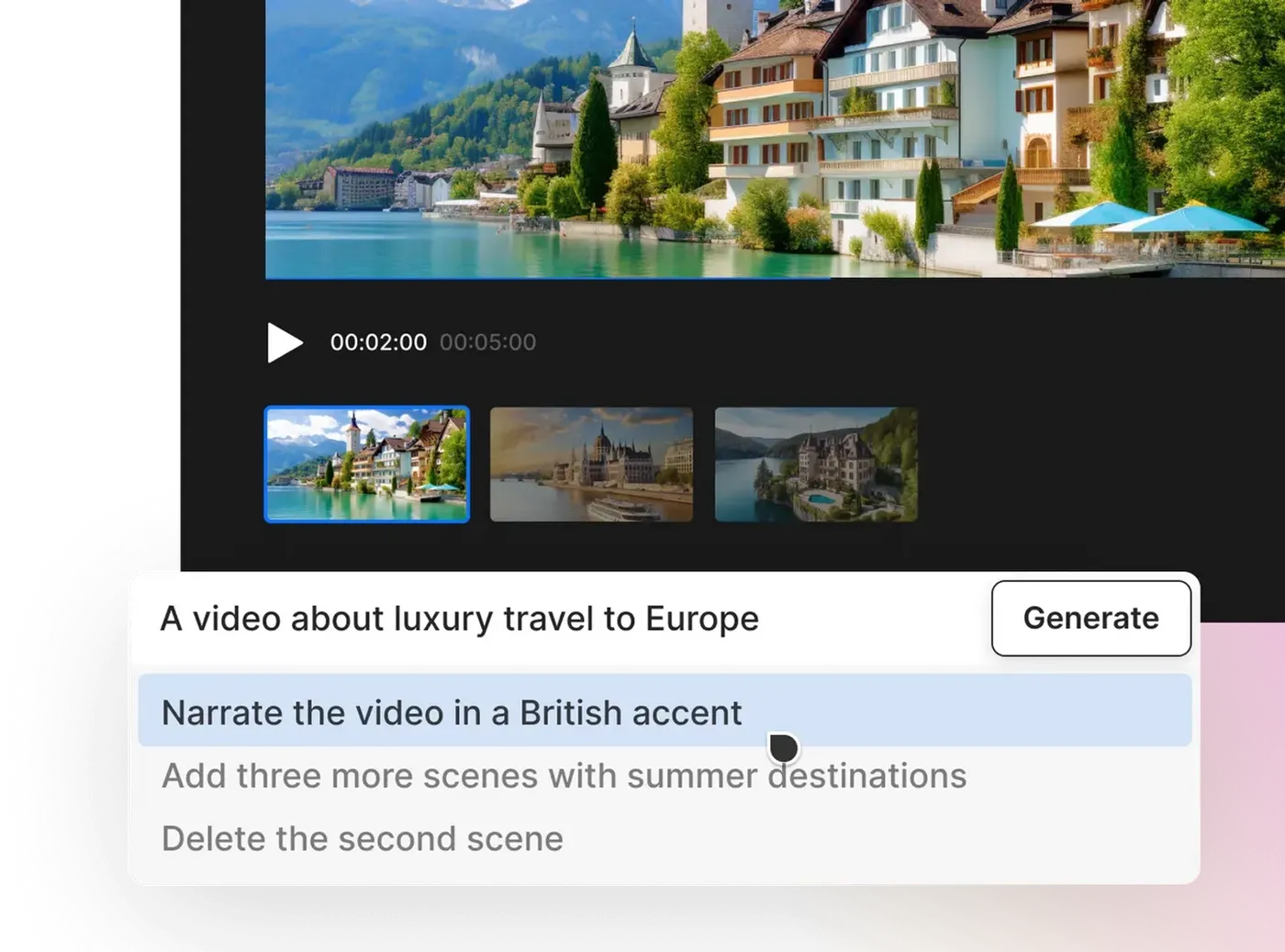
Invideo AI Video Generator
Describe the topic, audience, platform, length and tone, then let Invideo assemble a first cut that can be refined with text commands.
Open guide →
Invideo Image to Video
Upload a reference image, describe the movement and result, then refine the generated clip before it enters a larger edit.
Open guide →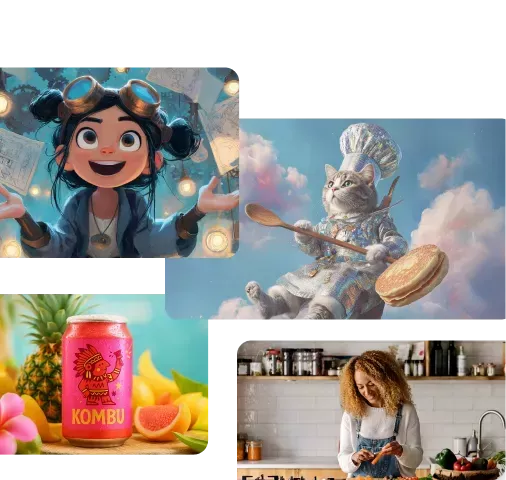
Invideo Text to Video
Start from a prompt, script or text brief, then shape the generated scenes, voice and pacing around the intended audience.
Open guide →InVideo Image
2 guides
Invideo AI Image Generator
Describe the subject, composition and style, compare outputs, then correct the visual before animation, design or editing.
Open guide →
Invideo AI Thumbnail Maker
Define the topic, focal subject and viewing context, generate a starting design, then simplify it for small-screen readability.
Open guide →InVideo Marketing
4 guides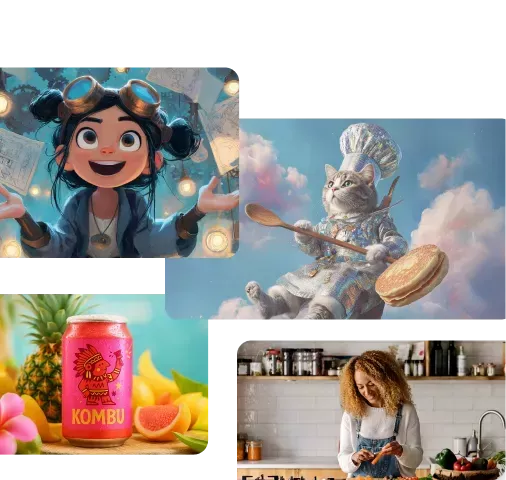
Invideo AI Ad Generator
Give Invideo the campaign inputs, generate a structured ad, then tighten the hook, proof, visuals and final action.
Open guide →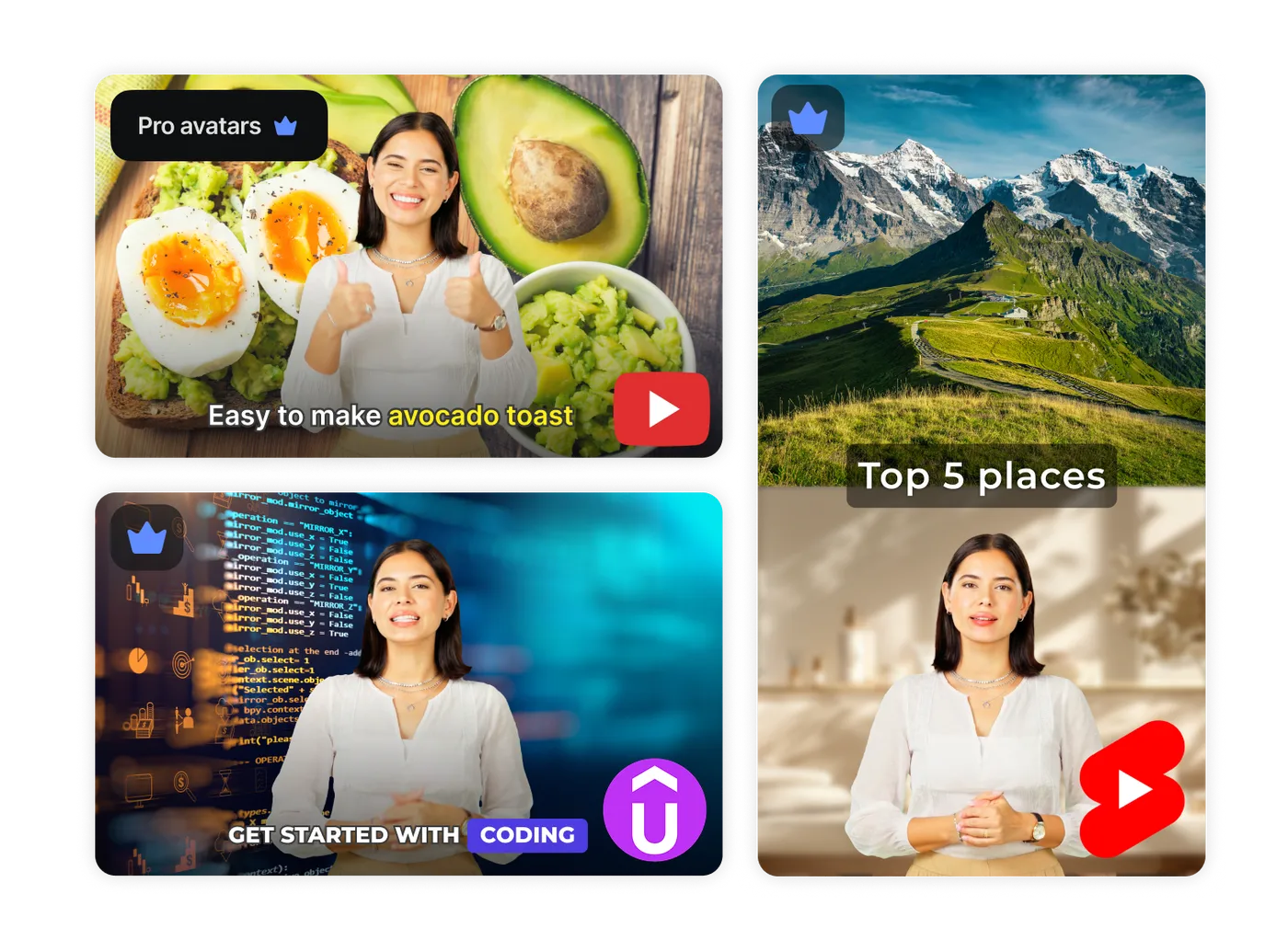
Invideo AI Avatar Generator
Choose or create an allowed avatar, add the script and voice direction, then review identity, lip sync and message accuracy.
Open guide →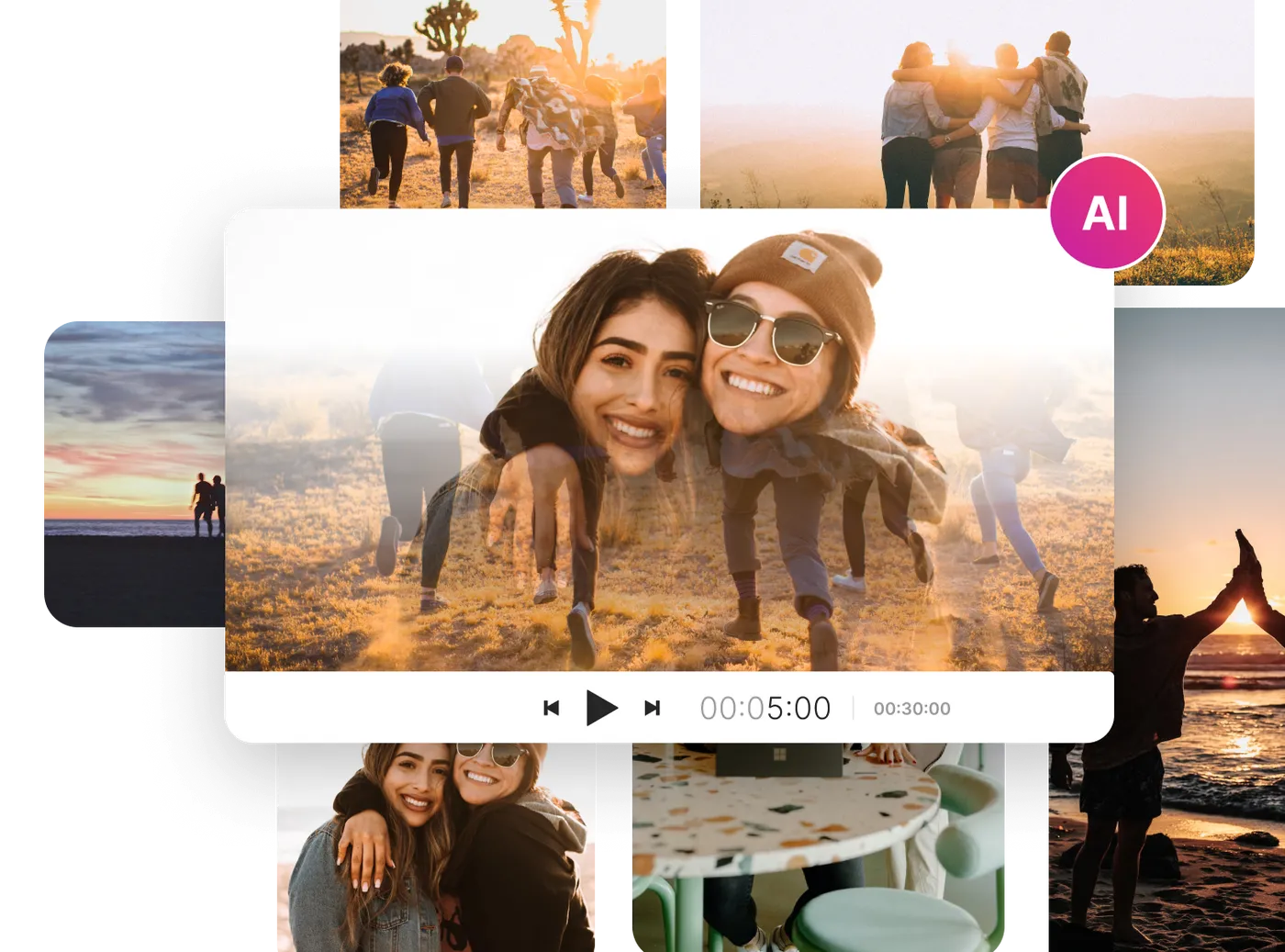
Invideo Product Video Generator
Provide the product source, audience and desired format, then shape a video that demonstrates real benefits without inventing details.
Open guide →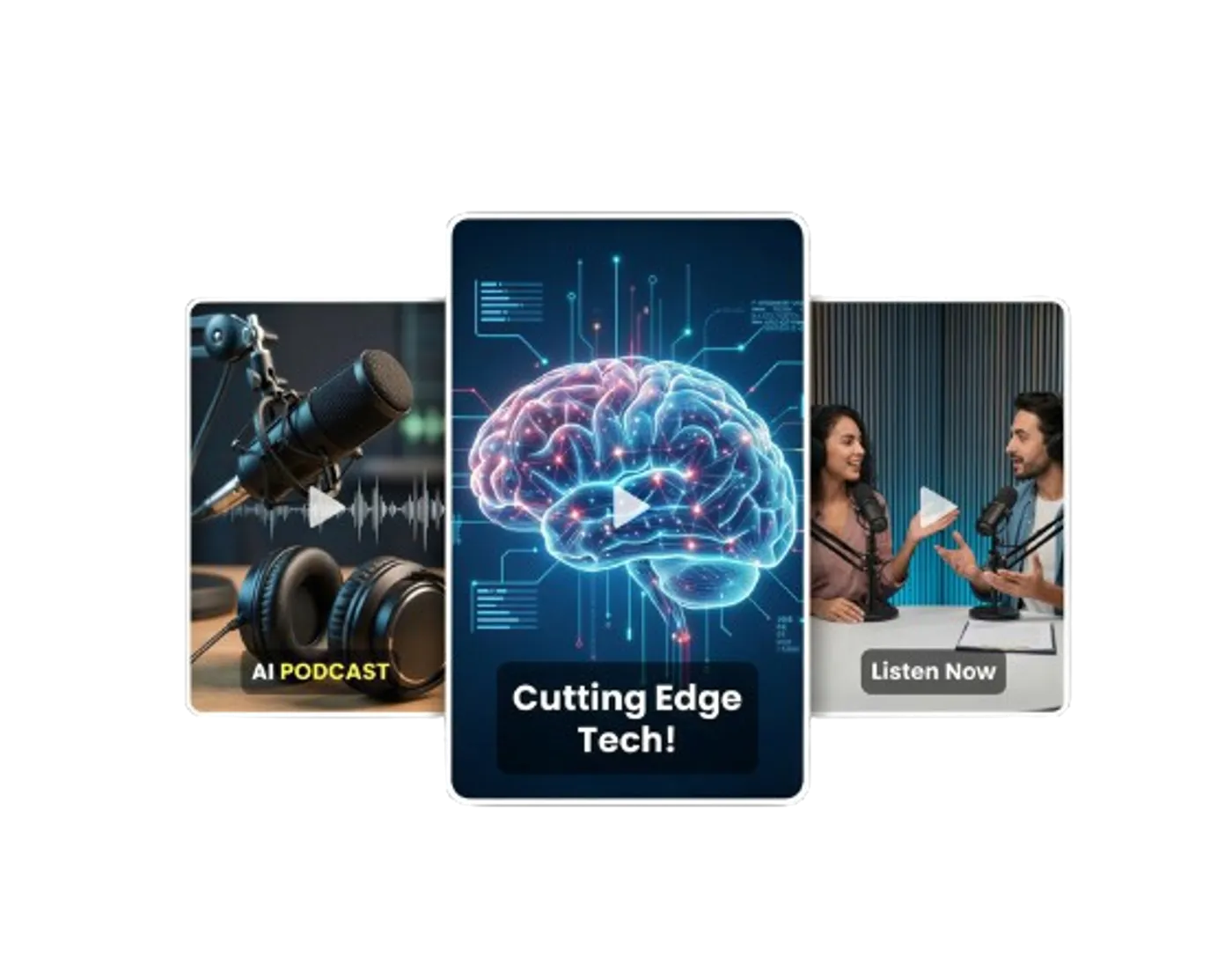
Invideo UGC Ads
Choose a real, cloned or virtual presenter workflow, define the offer and format, then refine the script, scenes and product presentation.
Open guide →InVideo Plan
1 guide
Video capture devices
1 guide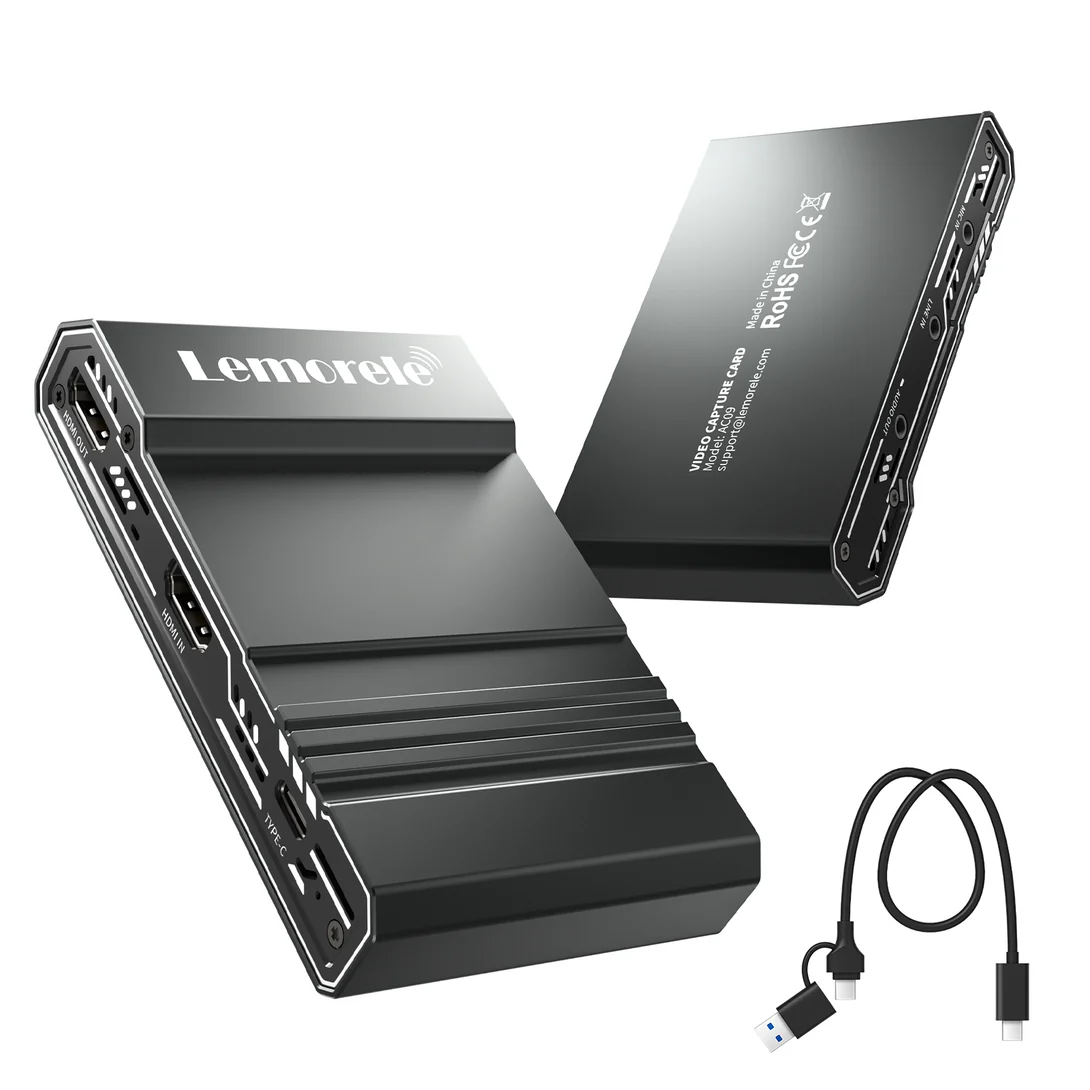
Wireless HDMI kits and extenders
2 guides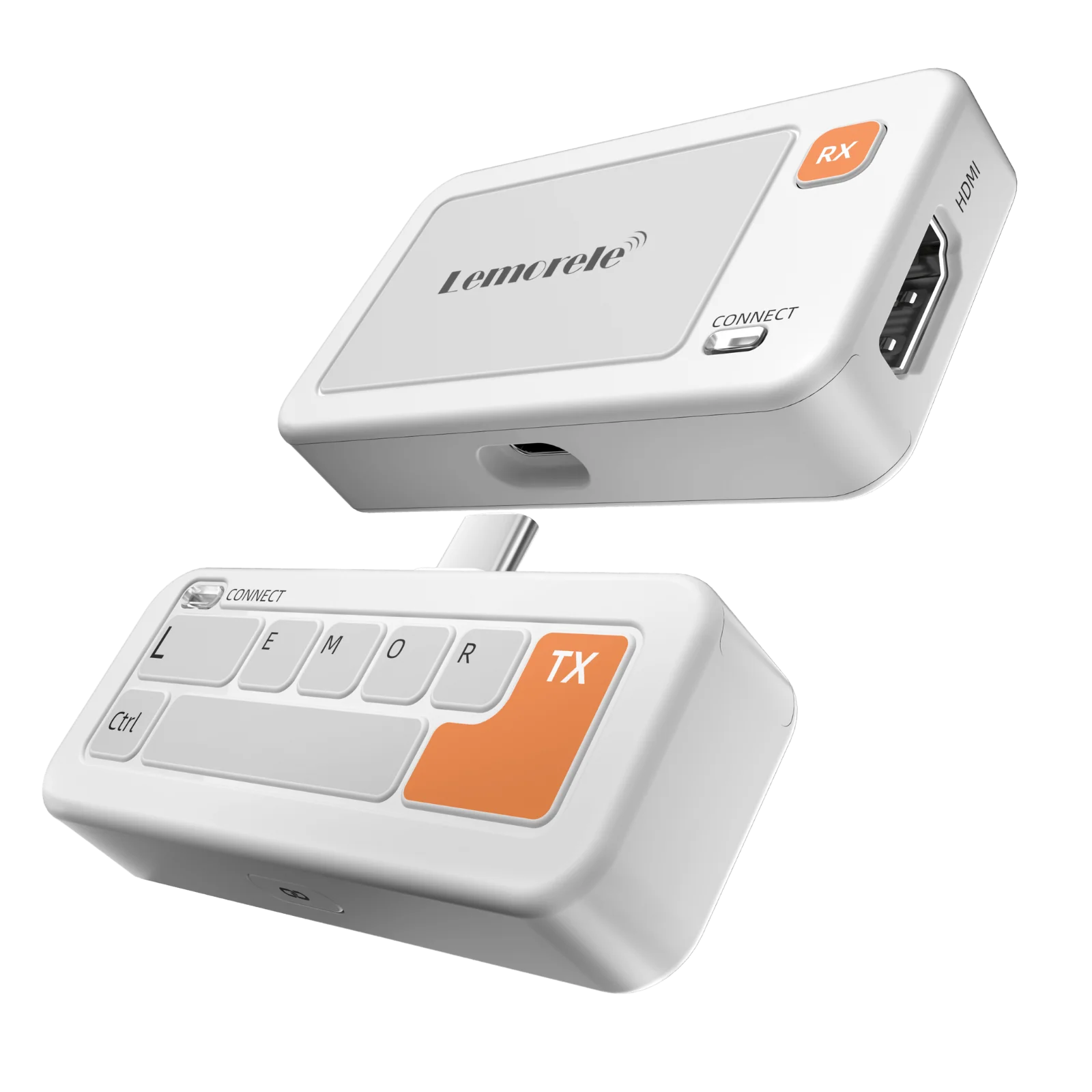
Lemorele P400 Wireless HDMI Kit
A plug-and-play 5 GHz wireless HDMI transmitter and receiver kit for sending 1080p video across a room without a long HDMI cable.
Open guide →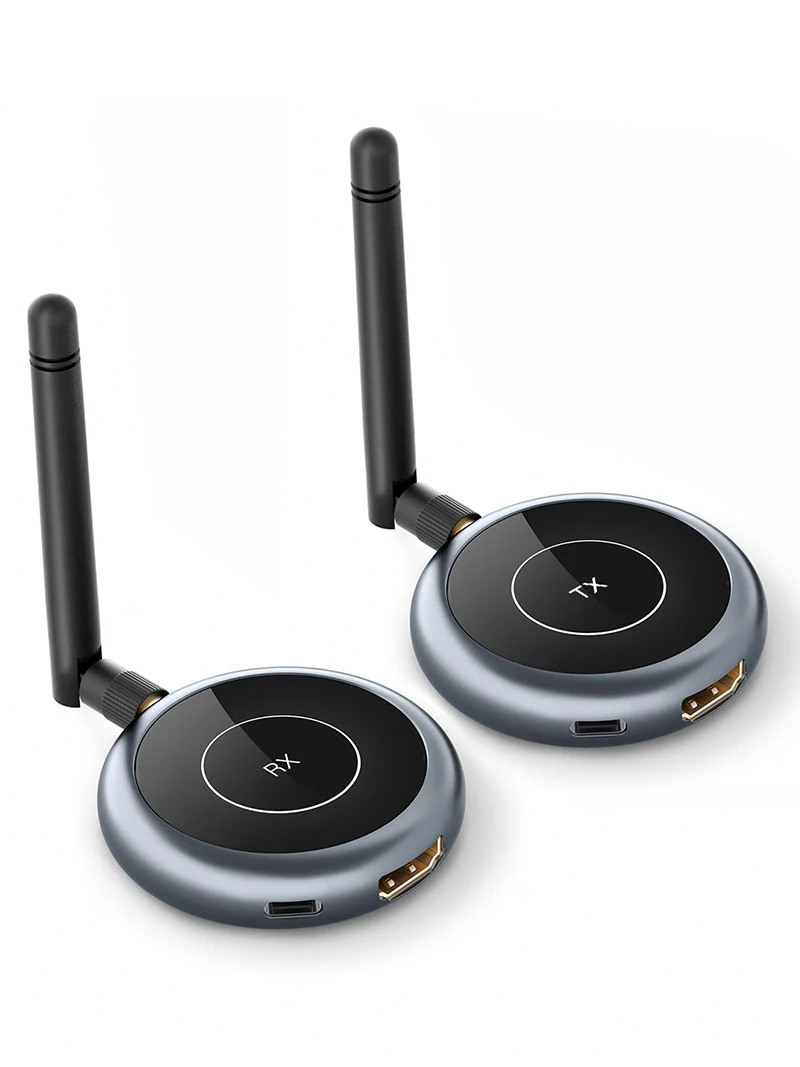
Lemorele R1Y Wireless HDMI Multi-Receiver Kit
A 1080p wireless HDMI system designed to send one source to multiple receivers, with support for up to four receiving displays in the same system.
Open guide →