Prompt-first production matches the work.
Use Invideo Studio when you need template-led, stock-supported or timeline-style editing rather than a fully prompt-generated first cut.
Use Invideo Studio when you need template-led, stock-supported or timeline-style editing rather than a fully prompt-generated first cut.
Use this guide to choose the workflow, then confirm current access on the official Invideo page.
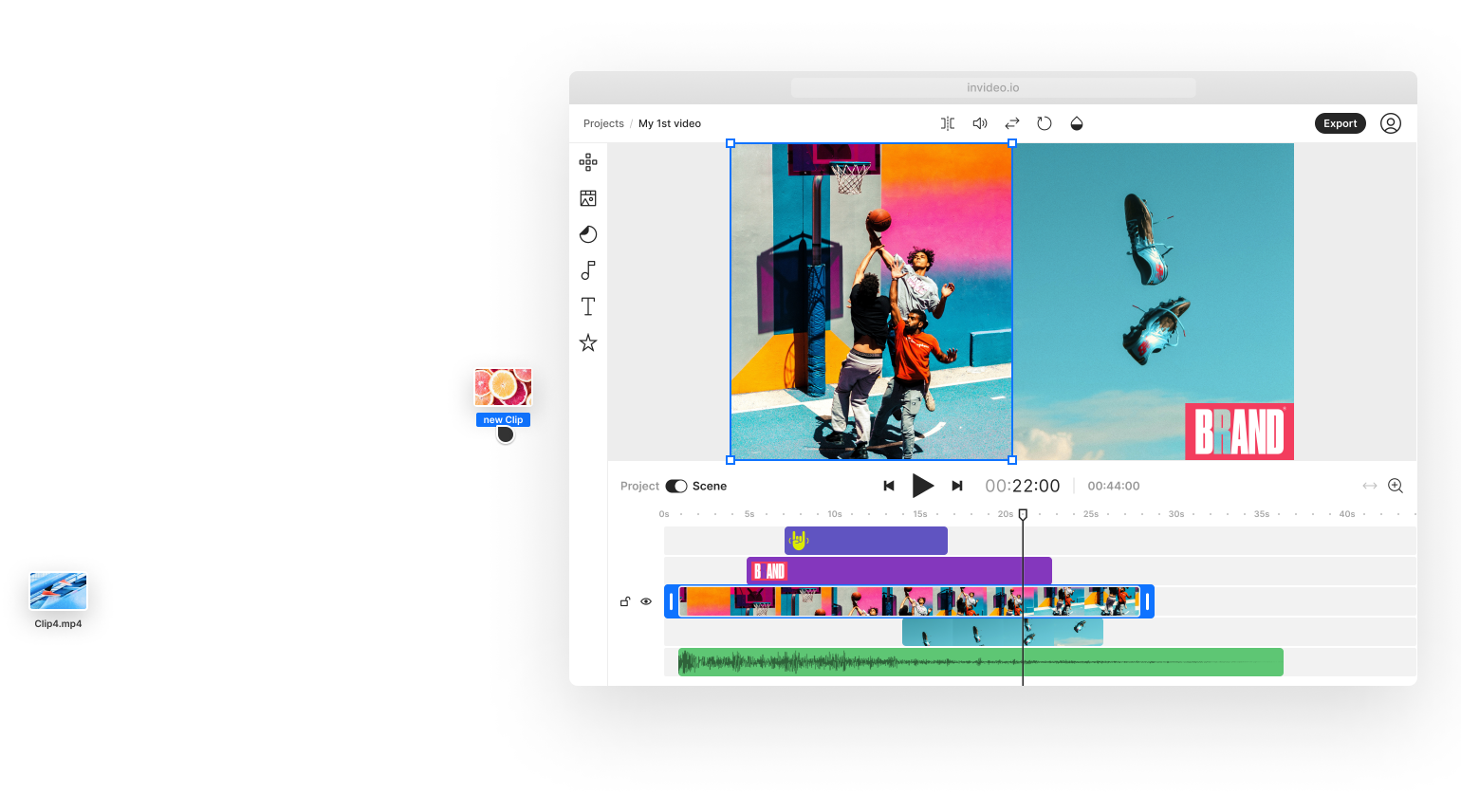
Use Invideo Studio when you need template-led, stock-supported or timeline-style editing rather than a fully prompt-generated first cut.
Use Invideo Studio when you need template-led, stock-supported or timeline-style editing rather than a fully prompt-generated first cut.
CapCut Online is the fast entry point for uploads, templates, captions, background tools and social-ready exports from a web workspace.
Compare CapCut Online →Collect footage, images, voice, music and approved brand elements.
Use scenes, templates and editing controls to shape the story.
Check timing, captions, sound, safe areas, resolution and final format.
Create repeatable formats with direct visual control.
Combine uploaded media with the available library.
Polish a campaign or creator video after the concept is approved.
The online editor is more manually assembled, while Invideo AI begins from prompts and generated workflows.
The official editor runs in a web browser.
Invideo Studio is positioned around templates, stock assets and browser editing tools.
Choose prompt-led AI for generated first cuts and Studio when direct assembly is the main need.
Use Invideo Studio when you need template-led, stock-supported or timeline-style editing rather than a fully prompt-generated first cut.
Each recommendation shows why it belongs here.
Use CapCut Desktop when a project needs layered tracks, precise timing, keyframes, color work and AI tools in one workspace.
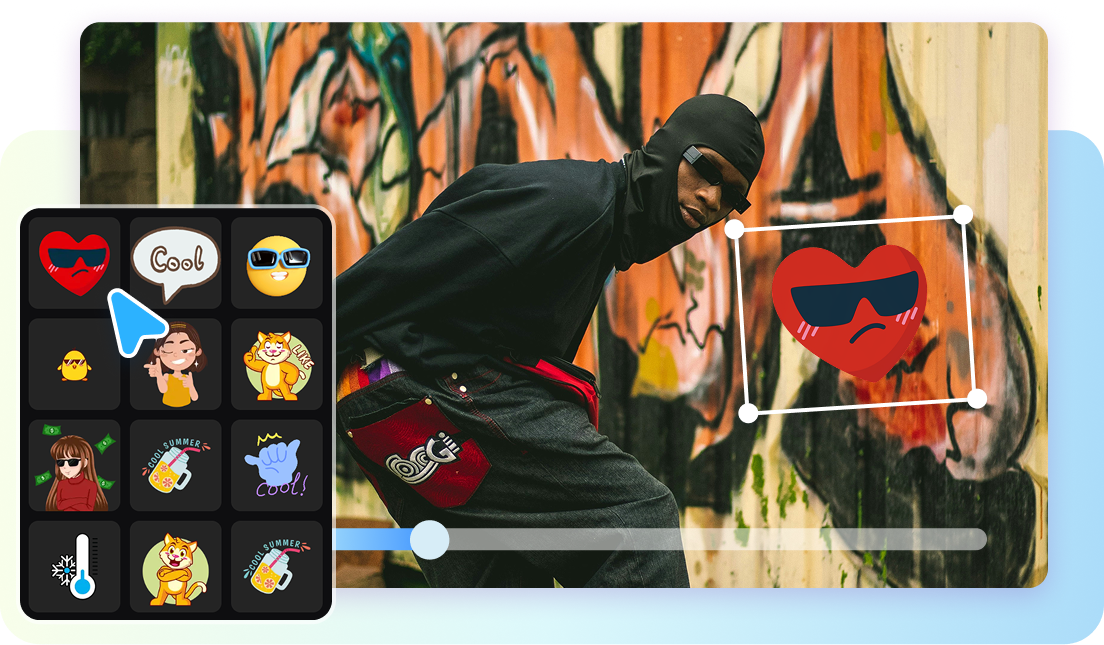
CapCut for Pad brings multi-track editing, keyframes and AI-assisted tools to iPad and supported Android tablets.

CapCut Online is the fast entry point for uploads, templates, captions, background tools and social-ready exports from a web workspace.